Table of Contents
The Collapse of Micro-Cavities at Reduced Scales
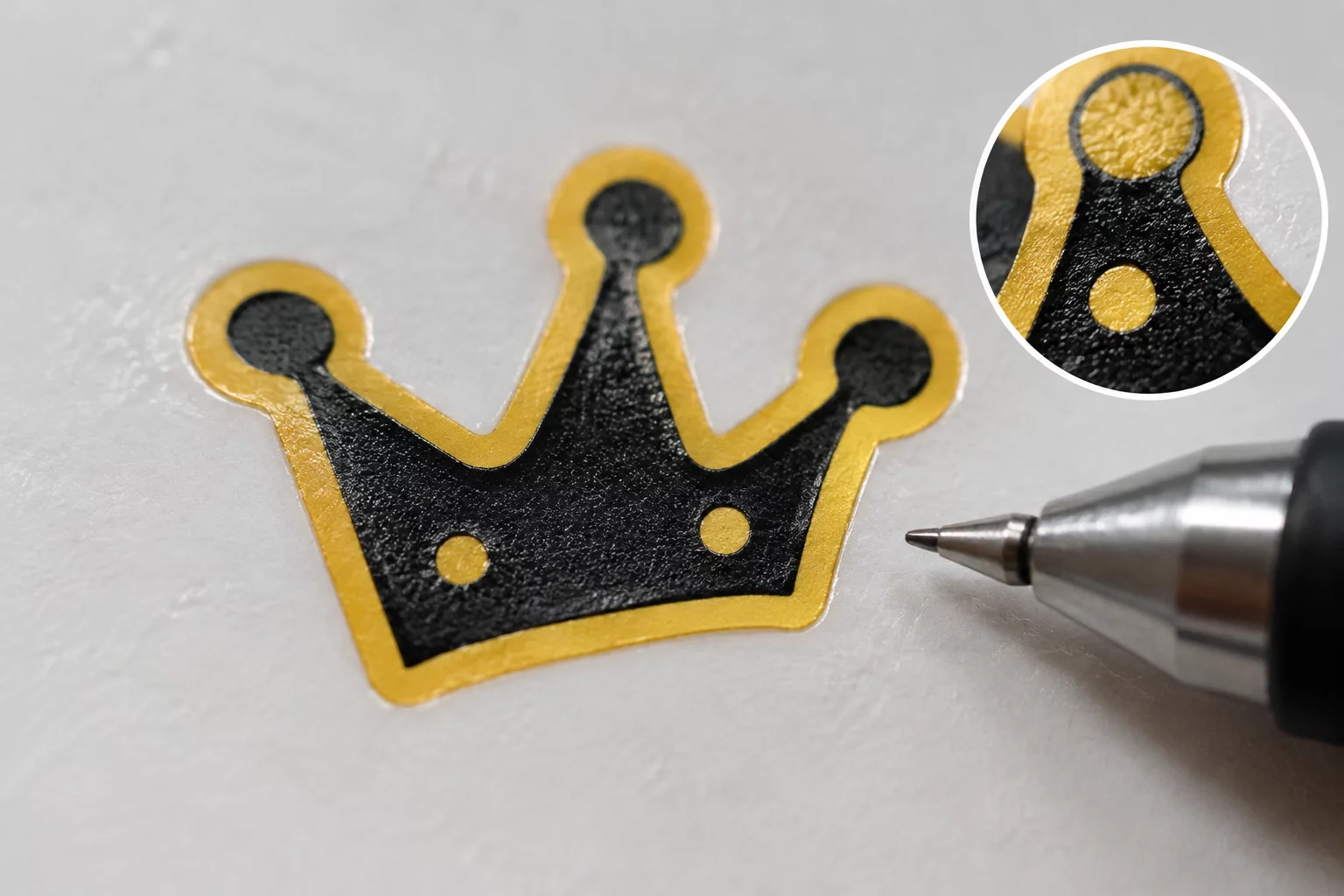
In vector graphics designed on 4K preview displays, a compound path cutout measuring 0.4 mm across looks crisp and distinct. On screen, the counter-form inside an emblem or miniature symbol preserves balanced negative space without showing any sign of flaw. The moment that file hits physical vinyl via a plotter carriage, physical forces replace mathematical perfection. A standard 45-degree carbide blade carries a minute turning radius offset, dragging behind the tool center point by roughly 0.25 mm. When the intended cutout circle or teardrop approaches that identical diameter, the blade cannot pivot smoothly without chewing into adjacent backing release paper.
Weeding such details presents an even steeper barrier in assembly workflows. Tiny islands of negative material either stay glued to the adhesive liner or tear away the surrounding contour entirely. An interior void that once provided elegance at 90 mm transforms into a messy crater at 22 mm, creating visual noise rather than clean geometry. Designers often attribute this failure to poor blade quality or improper cutting pressure, but the underlying flaw remains purely geometric. Scale reduction requires evaluating whether an internal aperture still fulfills an optical purpose or merely damages the structural stability of the film.
Dimensional Thresholds for Enclosed Paths
| Specification Parameter | Verified Tolerance | Standard Threshold |
|---|---|---|
| Internal Hole Minimum Diameter | 1.25 mm safe threshold | 0.80 mm failure ceiling |
| Offset Clearance Between Contours | 0.95 mm wall separation | 0.45 mm vinyl pinch risk |
| Node Density per Radial Millimeter | 4 nodes max per mm | 12+ nodes cause jitter |
| Blade Steer Angle at Corner Insets | 45° minimum radius sweep | 15° tears silicone layer |
When an aperture becomes smaller than the physical turning radius of the blade, the cutting path ceases to be a hole and turns into shredded vinyl.
Mechanical Friction and Node Clustering in Silhouette Studio
Examining cut previews inside Silhouette Studio v4.5 exposes how small features degrade under automated toolpaths. High-density Bézier coordinates along miniature counter-forms force the stepper motors to execute dozens of micro-steps across mere fractions of a millimeter. The blade holder hesitates at each tight junction, introducing dwell time that scores through the backing adhesive and causes premature adhesion lifting during production.
- Releasing compound paths through the Object menu reveals hidden zero-area segments that jam cutting routines.
- Running Point Editing with automated node reduction smooths harsh multi-vertex clusters down to 3 or 4 stable anchor points.
- Applying the Internal Offset function expands borderline counter spaces to clear the 1.25 mm physical weeding limit.
Rather than leaving software defaults unchecked, drafters must evaluate cut preview lines under 800% zoom with Line Color activation turned on. In that view, overlapping turnarounds and acute corners instantly flag regions where the blade tip will twist rather than travel linearly. Closing those micro-voids deliberately preserves edge sharpness without compromising the overall brand silhouette.
Strategic Simplification vs. Forced Perforation
Closing internal cavities below the critical mechanical threshold does not weaken graphic clarity; on the contrary, it strengthens optical legibility from ordinary viewing distances. When an internal hole shrinks beneath 1.0 mm, human eyes stop registering the opening as an intentional counter-shape and perceive it as an accidental flaw or ink speck. Removing microscopic holes deliberately produces solid, durable vinyl emblems that withstand physical wear, release cleanly from transfer tape, and reduce machine run time by up to 35 percent.
Download Precision Scale Spec Sheets
Get calibrated vector tolerance guidelines, blade offset tables, and verified minimum dimension matrices delivered to your workbench.
Technical Log Observations
Fieldbook Review ChannelI struggled with this too. The tiny interior holes in our company icons kept bunching around the cutter pin whenever we reduced decals below 30 millimeters.
Submit Observation Note